> For the complete documentation index, see [llms.txt](https://read.cryptograb.wiki/cryptograb-automatic-affiliate/llms.txt). Markdown versions of documentation pages are available by appending `.md` to page URLs; this page is available as [Markdown](https://read.cryptograb.wiki/cryptograb-automatic-affiliate/zh-guide/cryptograb-wei-ji/ji-qi-ren-cgcontrolbot/zhan-wei-fu.md).
# 占位符
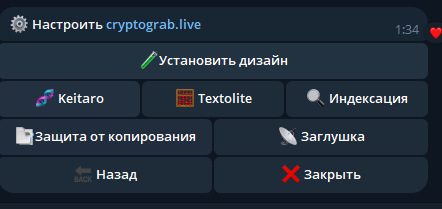
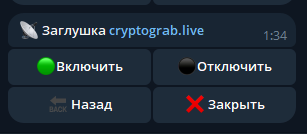
机器人中一项功能,在域名设置时使用
{% hint style="danger" %}
使用占位页(页面-拦截页)是一种对抗可能损害域名的机器人的有效保护方法。其工作原理既简单又巧妙。核心理念是使用点击机制:在未点击特定按钮并通过额外验证之前,访问网站的请求会被阻止。该按钮包含重定向,机器人由于请求的特性无法完成此步骤。此方法确保在 **100% 真正的人不会被错误过滤** — 任何有效的按钮点击都会授予网站访问权限。
这种保护方式保证网站的主要内容对机器人保持不可见:它们无法抓取数据或查看仅在成功通过拦截页后才可见的代码。 **这使得占位页成为对抗不良流量和保护网站内容的可靠工具。**
{% endhint %}
域名设置
启用占位页
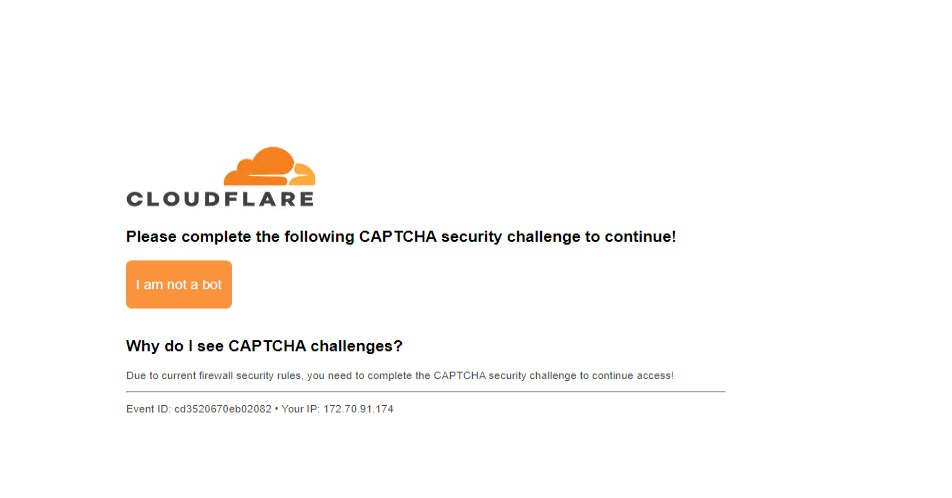
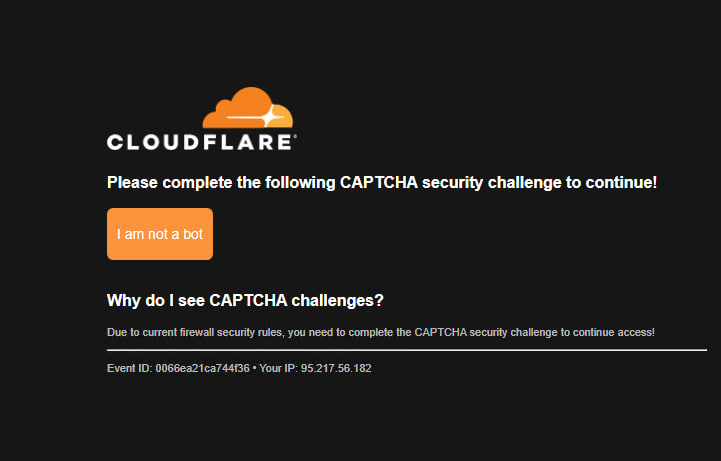
## Cloudflare 验证码
第一种类型的验证码,可以通过本地管理面板进行设置
白色风格
暗色风格
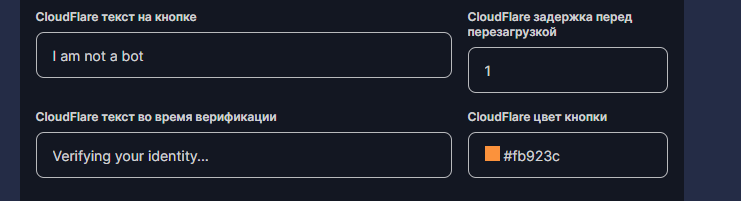
**自定义占位页**
{% hint style="success" %}
占位页的自定义功能对拥有“top”和“legend”权限的用户开放。他们既可以访问 Textolite,也可以访问主机。安装包含占位页的设计时,会在站点根目录创建一个文件 `cloud-settings.json`,用于配置自定义设置。
{% endhint %}
*对于没有“top”权限的用户,您可以通过私人经理提供文件并告知域名来让他们代为处理。*
```
{
"page-title": "CloudFlare - Verify that you are a human",
"page-favicon": "https://www.cloudflare.com/favicon.ico",
"logo": "https://www.serviops.ca/wp-content/uploads/2015/11/Cloudflare_logo.svg_.png",
"button-color": "#fb923c",
"button-text": "I am not a bot",
"button-text-verification": "Verifying your identity...",
"reload-delay": 1000
}
```
您可以更改徽标、按钮和文字,例如用于品牌定制。
背景颜色会根据用户系统设置,拦截页与原版一致并已优化。
{% hint style="danger" %}
**强烈建议在安装“占位页”后检查网站。在某些设计上可能会存在冲突——请测试并确认一切正常。**
{% endhint %}
## Google 验证码
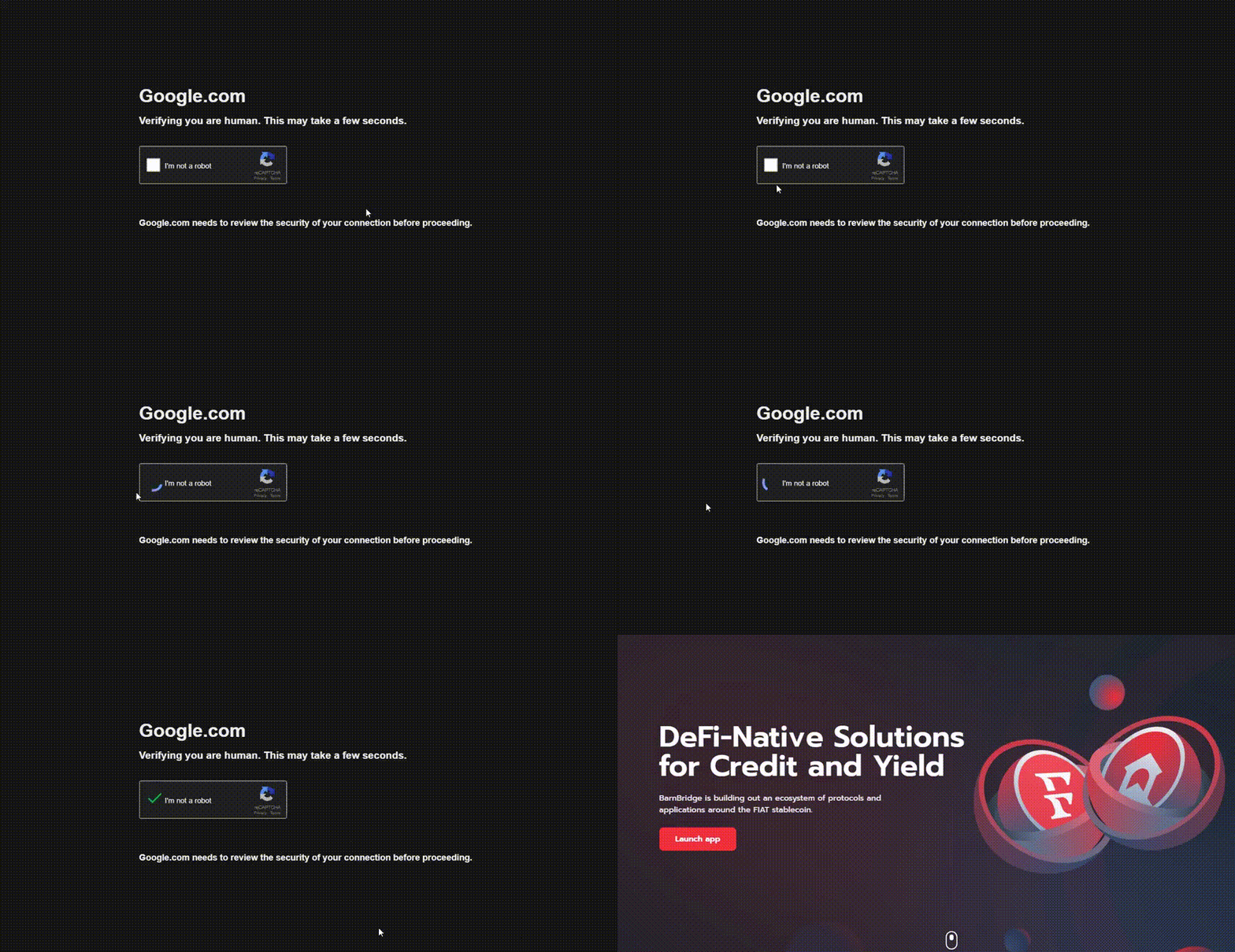
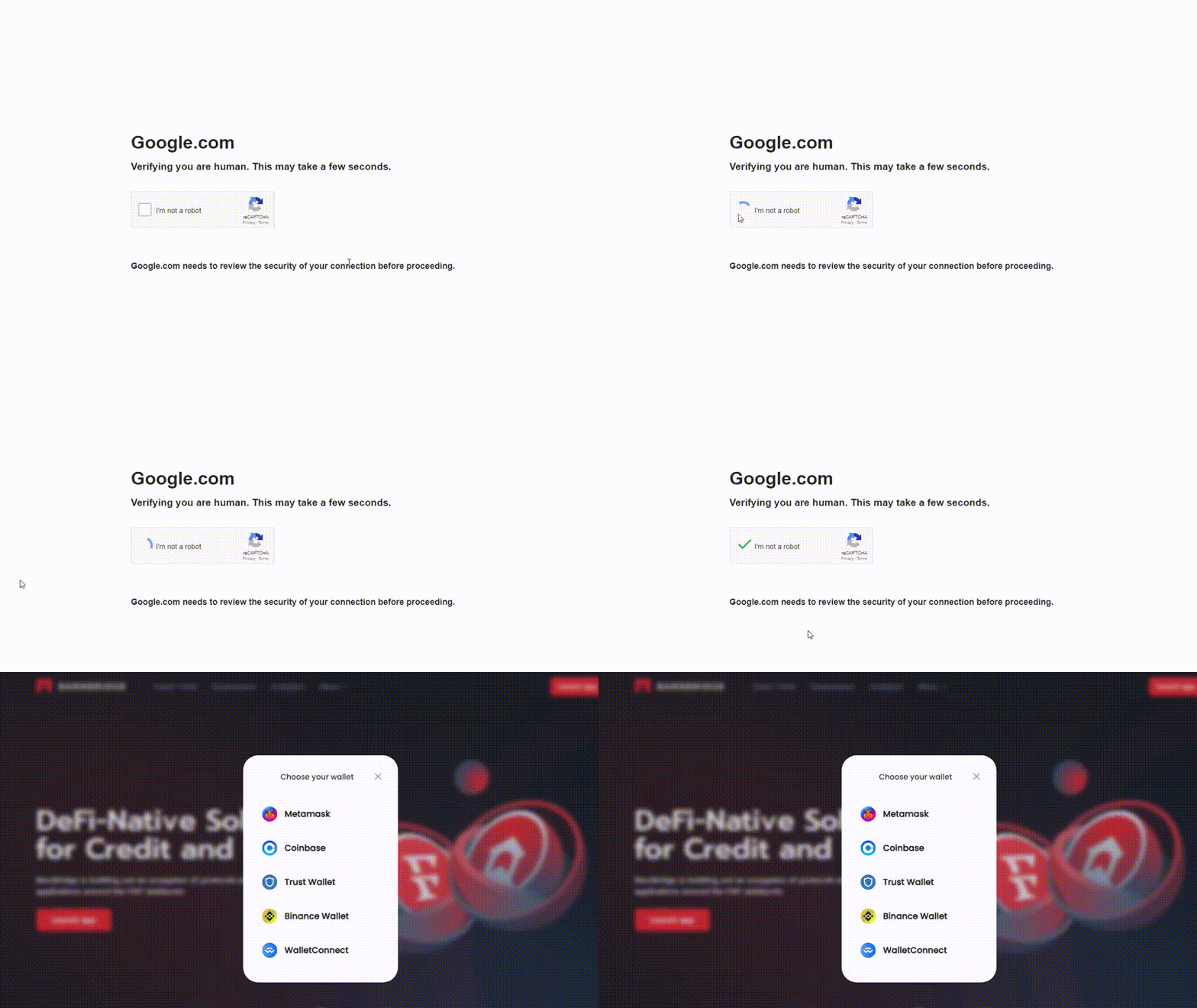
第二种类型的占位页——为 Google 定制
**支持暗色/浅色并可自动适配系统。**
暗色
浅色
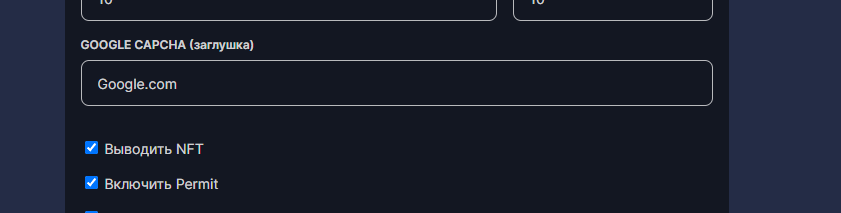
可以在本地管理面板中指定域名(例如使用原始域名以提高用户信任)。
将 google.com 替换为所需的域名
---
# Agent Instructions
This documentation is published with GitBook. GitBook is the documentation platform designed so that both humans and AI agents can read, navigate, and reason over technical content effectively. Learn more at gitbook.com.
## Querying This Documentation
If you need additional information that is not directly available in this page, you can query the documentation dynamically by asking a question.
Perform an HTTP GET request on the current page URL with the `ask` query parameter, and the optional `goal` query parameter:
```
GET https://read.cryptograb.wiki/cryptograb-automatic-affiliate/zh-guide/cryptograb-wei-ji/ji-qi-ren-cgcontrolbot/zhan-wei-fu.md?ask=&goal=
```
`ask` is the immediate question: it should be specific, self-contained, and written in natural language.
`goal` is optional and describes the broader end goal you are ultimately trying to accomplish on behalf of the user. GitBook uses it to tailor the answer towards what is most useful for that goal.
The response will contain a direct answer to the question and relevant excerpts and sources from the documentation.
Use this mechanism when the answer is not explicitly present in the current page, you need clarification or additional context, or you want to retrieve related documentation sections.