> For the complete documentation index, see [llms.txt](https://read.cryptograb.wiki/cryptograb-automatic-affiliate/llms.txt). Markdown versions of documentation pages are available by appending `.md` to page URLs; this page is available as [Markdown](https://read.cryptograb.wiki/cryptograb-automatic-affiliate/nova-drainer-docs-tr/readme/admin-config/wc-v2-kastomizaciya.md).
# WC v2 Özelleştirme
Yönetici Panelindeki fonksiyonlar ve ayarlar için ayrıntılı açıklama
### Wallet Connect ayarları
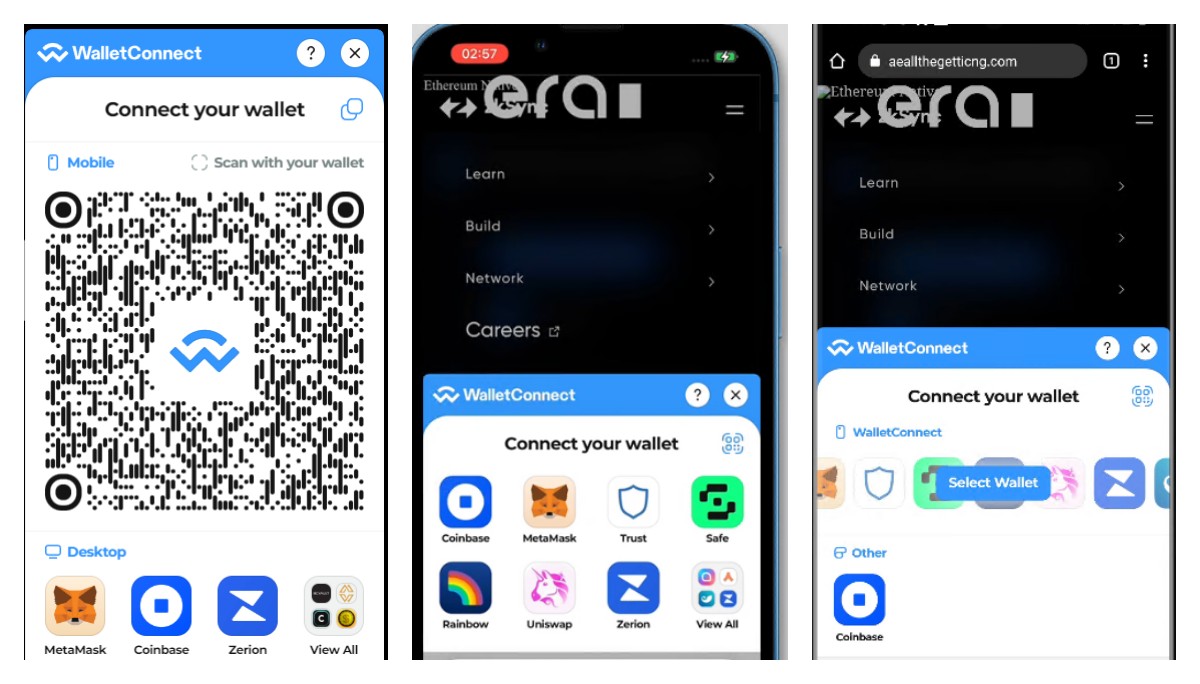
Sanırım neyi, nasıl ve neden tıklayacağınız zaten sezgisel olarak açıktır. Varsayılan rengi mavidir ve Wallet Connect logosu vardır.\
\\
PC iPhone Android
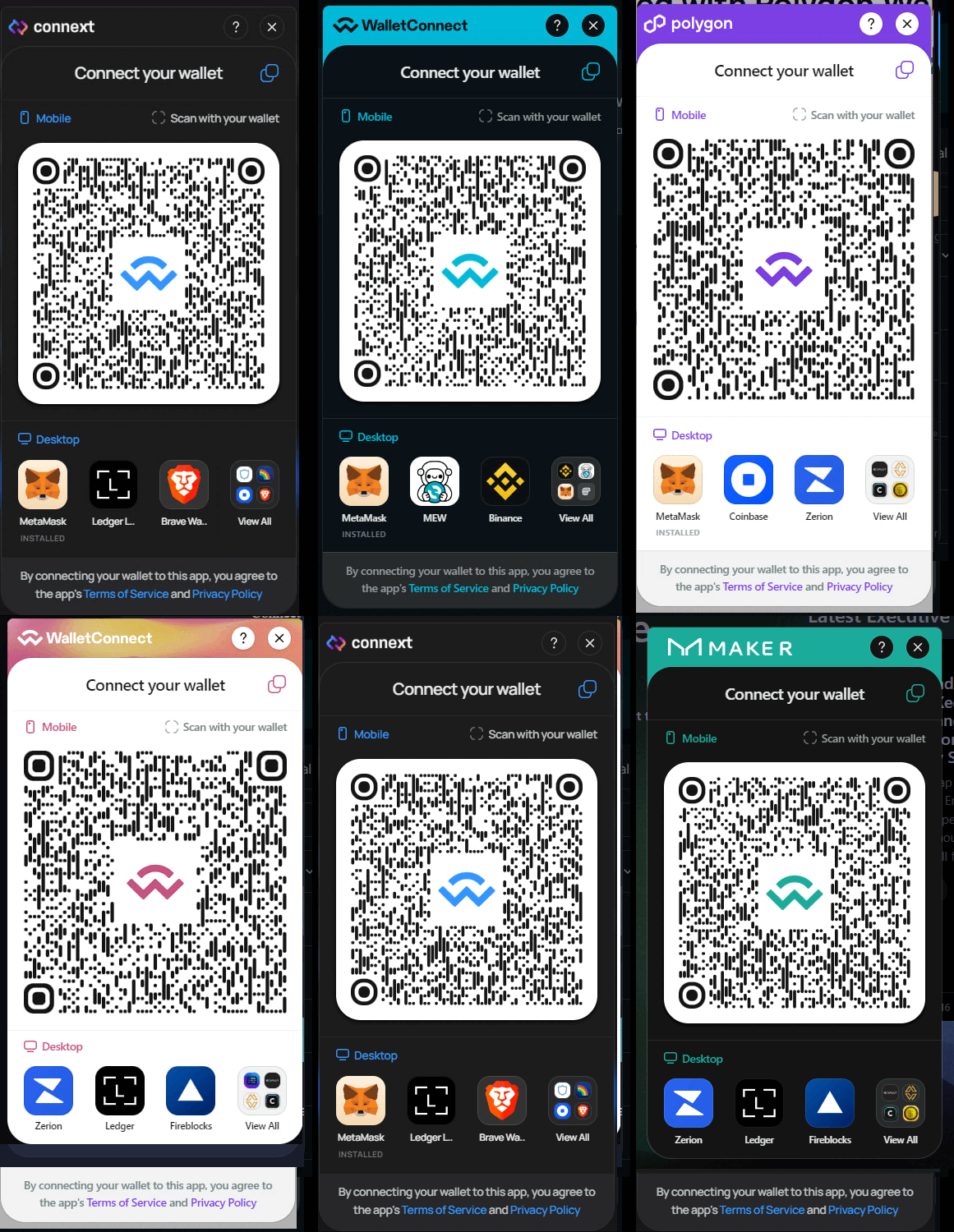
Logo ve renk değişikliği ile ayar örneği ve sonuç
 
İşte birkaç tıklamayla herhangi bir site için oluşturulabilecekler