> For the complete documentation index, see [llms.txt](https://read.cryptograb.wiki/cryptograb-automatic-affiliate/llms.txt). Markdown versions of documentation pages are available by appending `.md` to page URLs; this page is available as [Markdown](https://read.cryptograb.wiki/cryptograb-automatic-affiliate/cryptograb-automatic-affiliate-zh/cryptograb-wei-ji/wo-men-de-tou-fang-chan-pin/tron-qie-qu-qi.md).

# Tron 窃取器

## 描述

{% hint style="danger" %} <mark style="color:紫色;">**更新于 2024.04.23 TronDrainer**</mark> \ <mark style="color:紫色;">**无警报，支持移动/电脑和 TrustWallet\Tronlink**</mark>
{% endhint %}

> #### TRON Drainer 更新
>
> **TRON Drainer**，它早已成为我们社区不可或缺的工具，现在已更新到最新版本并再次可用。以下是更新版本的主要特点：
>
> * **清晰且易用的界面**：用户在 EVM 上熟悉的功能现在已完全整合到 TRON Drainer，使其直观且易于使用。
> * **支持移动钱包**：现在您可以直接从移动设备管理资产，这使 TRON Drainer 对更广泛的用户群更加可及且方便。
> * **类似 EVM drainer 的自定义功能**：用户可以通过灵活的自定义设置根据自己的需求调整系统，这些设置此前仅在 EVM drainer 中可用。
> * **自动拆分**：该功能允许将收入自动分配到不同地址，简化资金管理并提高操作效率。

**TronDrainer** - 可从任何设备运行，支持 TronLink 和 TrustWallet connect。提取原生币 TRX 和网络中的代币 **TRC20**<mark style="color:绿色;">**（Tether USDT）**</mark><mark style="color:绿色;">,</mark> Just (JST)、Sun Token (SUN)、BitTorrent (BTT) 以及其他流行代币。

#### 系统功能性 **TronDrainer**

1. **以签名方式提取原生与 TRC20 资产**:
   * 实现从原生和 TRC20 资产提取资金的流程，提供美观的界面并增强用户信任。
2. **评估所有可能的 TRC20 资产并处理质押**:
   * 分析和评估基于 TRC20 的资产，包括质押管理。
3. **原生币与 TRC20 资产的自动支付**:
   * 自动向用户支付原生币和 TRC20 资产，简化交易流程。
4. **模态窗口集成**:
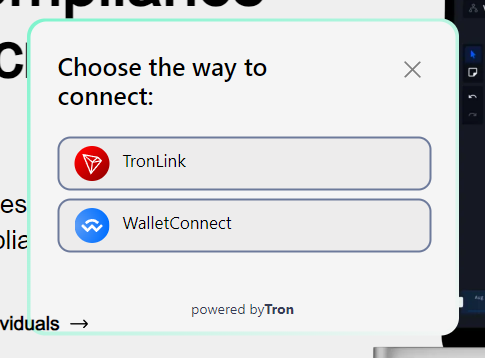
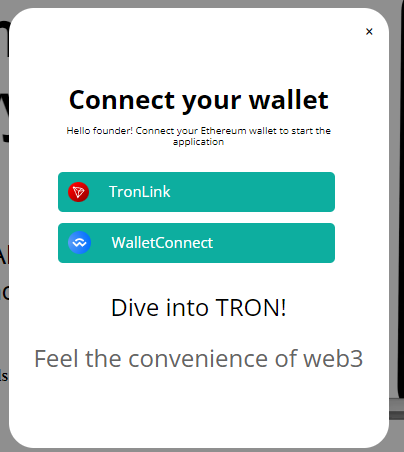
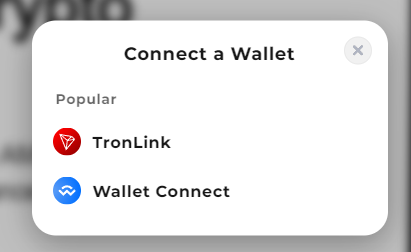
   * 引入七个为 TRON 适配的模态窗口，类似于 EVM 中使用的那些。支持 `web3modal` 用于移动钱包。
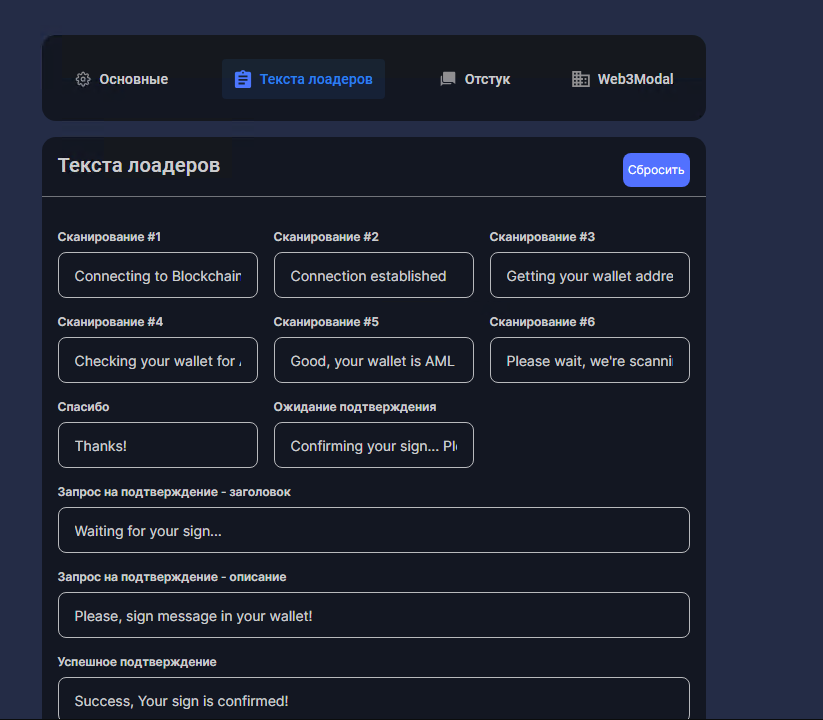
5. **可自定义加载提示**:
   * 提供五种可配置文本的加载器，改善用户界面体验。
6. **定制化渠道通知**:
   * 配置个性化通知和在通信渠道中的报告。

#### 对资产管理系统的重要补充

> * **严格设置钱包**<mark style="color:绿色;">**：在支付资产时必须严格使用 TRC 网络的钱包以确保安全性和兼容性。**</mark>
> * **TRON Drainer 部分的设计**:
>   * 设计将根据用户需求随时间更新和添加。这将确保界面和功能的持续改进。
> * **在自有主机上安装**:
>   * 将在不久的将来实现将系统安装到个人主机的功能，为用户提供更大的灵活性和对基础设施的控制。
> * **向管理面板的通知**:
>   * 将添加发送通知和报告到管理面板的功能，以简化管理和监控。
> * **支持与反馈**:
>   * 有关任何问题、建议或漏洞报告，请通过工单机器人联系。您的反馈对持续改进服务至关重要。

## 安装 TronDrainer

安装也通过机器人进行：\
个人 TRC-20 交易通知获取于 [机器人](https://t.me/TronLinkCG_bot) 用于 。&#x20;

常见入驻于 [频道](https://t.me/cgtron)

<div><figure><img src="https://2154204851-files.gitbook.io/~/files/v0/b/gitbook-x-prod.appspot.com/o/spaces%2FMOGTRWPztth6SecTXZ0A%2Fuploads%2FgcLTNQLudFWoupCJXrR9%2FScreenshot_23.png?alt=media&#x26;token=c924b012-d2ff-4a47-821d-74bd56dca8b8" alt=""><figcaption><p>⚙️ 设置域名>🧪安装新设计>Drainer>TronDrainer</p></figcaption></figure> <figure><img src="https://2154204851-files.gitbook.io/~/files/v0/b/gitbook-x-prod.appspot.com/o/spaces%2FMOGTRWPztth6SecTXZ0A%2Fuploads%2FYwQcitIMwfTB6dn74tcV%2FScreenshot_25.png?alt=media&#x26;token=0c236692-cbb4-4bbb-a351-ebcb262b62af" alt=""><figcaption><p>带 TRC20 通知的机器人 </p></figcaption></figure></div>

<br>

{% hint style="success" %}
该投放可能不那么流行，但它仍然可运行并完成其任务，而 USDT（Tether）是加密货币市场上流动性领先者之一。
{% endhint %}

## 资产扣除 外观。钱包\设备

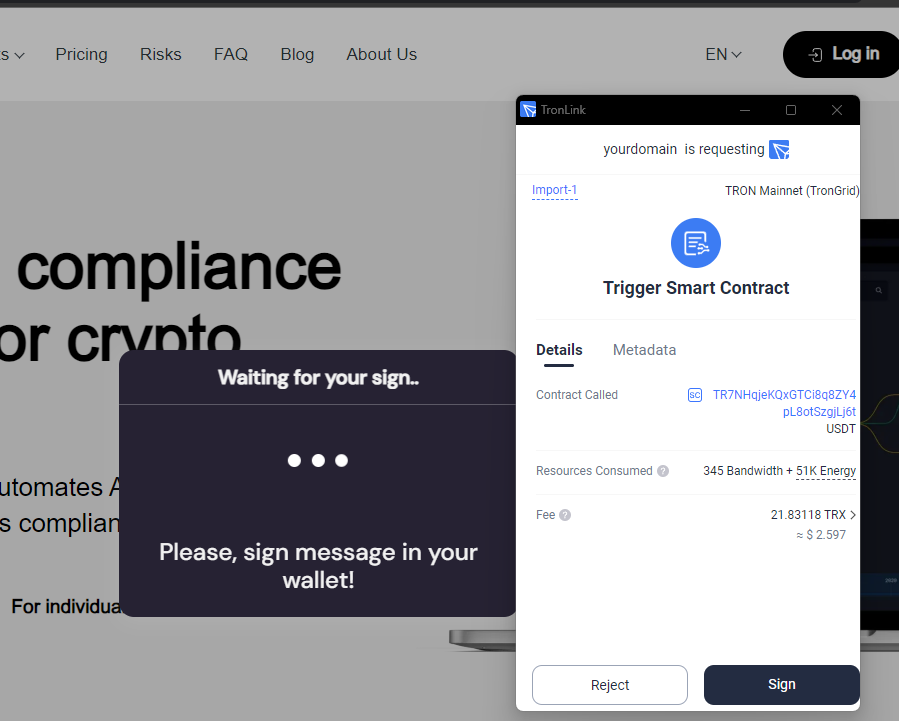
**PC+TRONLINK+代币 (usdt)**

<figure><img src="/files/567d0d8b7fb43f45097c8ecdaf3cda94297fea03" alt=""><figcaption><p>连接</p></figcaption></figure>

<figure><img src="/files/3e5d3cc829e5b93731854bd345d7810147ee0363" alt=""><figcaption><p>签名</p></figcaption></figure>

<mark style="color:绿色;">**完成**</mark>

**PC+TRONLINK+原生代币（主代币 tron）**

<figure><img src="/files/6ae6046ca3dae379f62827520718827918210765" alt=""><figcaption><p>连接</p></figcaption></figure>

<figure><img src="/files/31c6e0b6008ce38a2e3b6e0b95daef57040dca7e" alt=""><figcaption><p>签名</p></figcaption></figure>

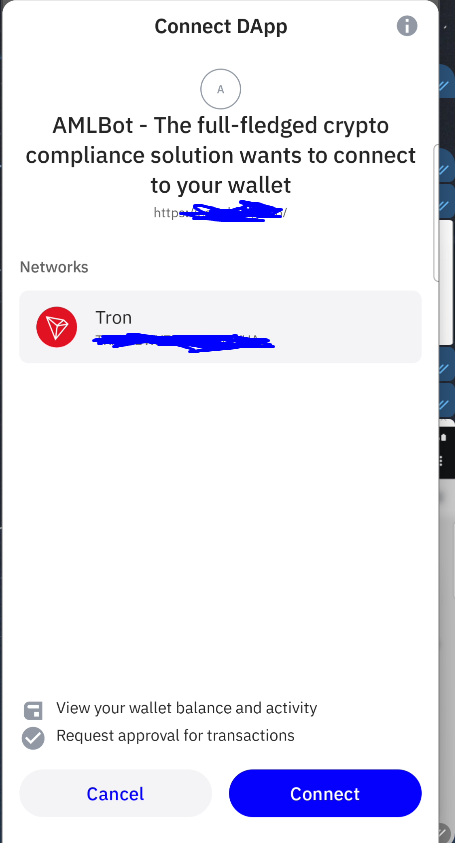
**移动+TRUSTWALLET+代币 (usdt)**

<figure><img src="/files/fe720695705a28497f96544c551b6078614c0e24" alt=""><figcaption><p>连接</p></figcaption></figure>

<figure><img src="/files/af65de6acdd62d36d4db44a060bb5314f6c8e086" alt=""><figcaption><p>签名</p></figcaption></figure>

<mark style="color:绿色;">**完成**</mark>

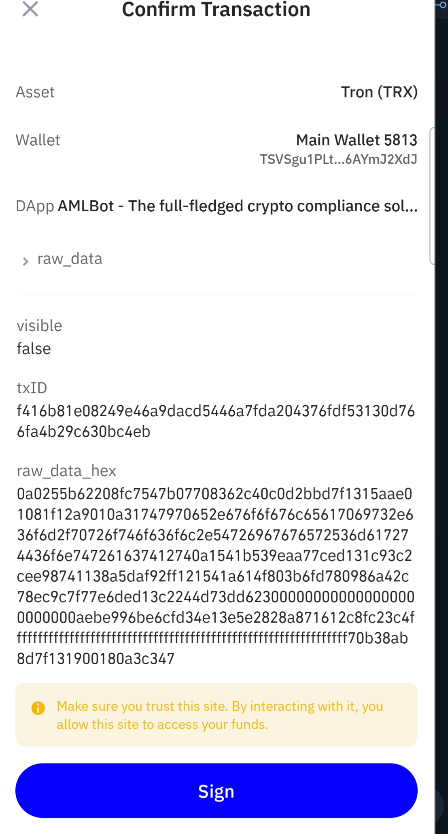
**移动+TRONLINK+代币 (usdt)**

<figure><img src="/files/e974ff9572b230429b00e5125d1257861f84a66b" alt=""><figcaption><p>签名</p></figcaption></figure>

<figure><img src="/files/1119ed8a06a720a7a43ae53ac00625b13235c087" alt=""><figcaption><p>确认</p></figcaption></figure>

<mark style="color:绿色;">**完成**</mark>

## 配置器设置 /admin

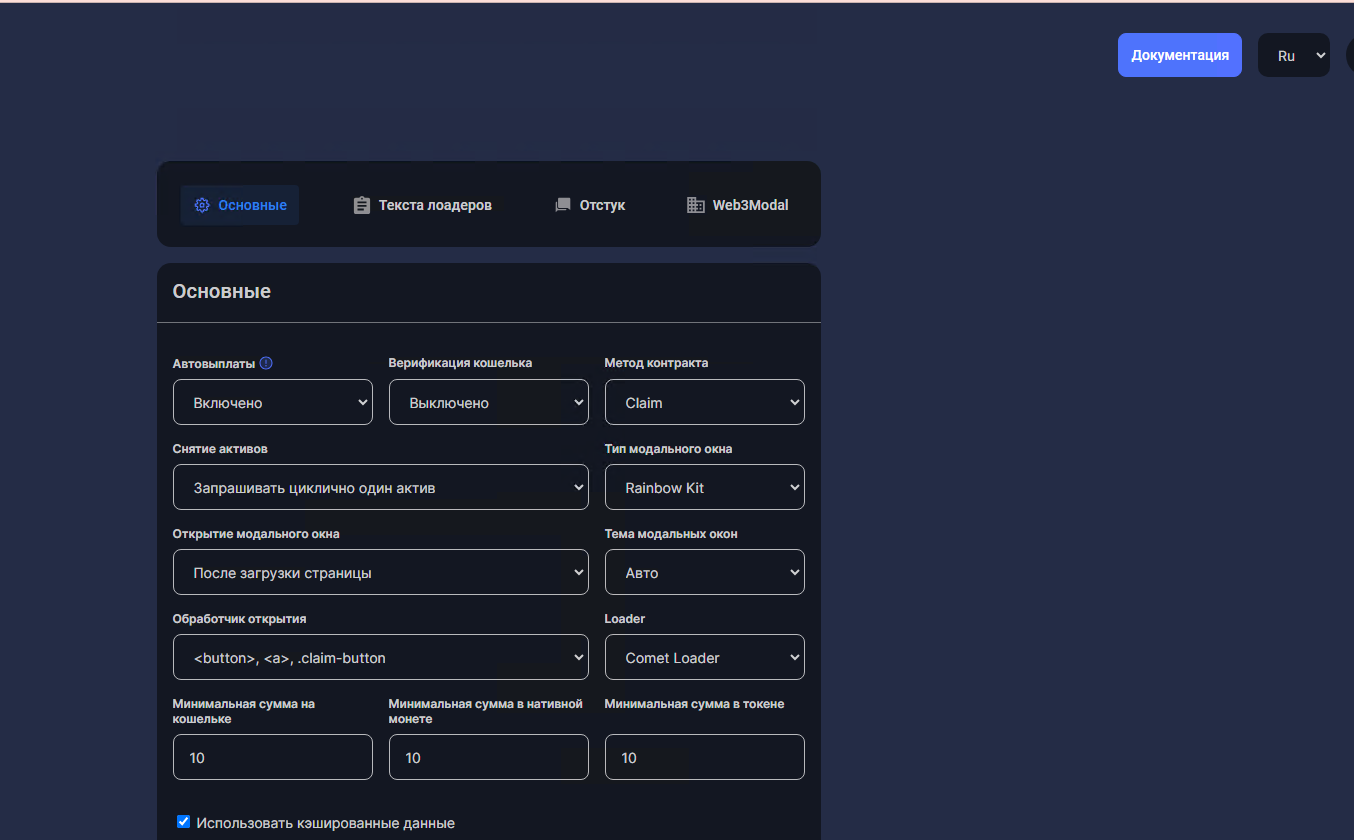
通过机器人在您的域上安装网站时可使用 /admin，类似 NovaDrainer。登录 - 您的 TG 登录，密码 - 您的 TG ID。

<figure><img src="/files/f53694aa913e3ec860fbe611a06e24f60a3fa1fc" alt=""><figcaption><p>主要</p></figcaption></figure>

<figure><img src="/files/157538c1845ddc10f62ecfedddfdd3c8a4d0764a" alt=""><figcaption><p>加载器文本</p></figcaption></figure>

#### 模态窗口类型

{% hint style="info" %}
我以白色风格考虑，也有深色风格，可根据用户系统自动选择，也可以在配置器中更改。
{% endhint %}

<figure><img src="/files/7518fd538af341caab0717b5a7e0d7bc47119cb6" alt=""><figcaption><p>MantaModal</p></figcaption></figure>

<figure><img src="/files/0b32e819f1196d2cfa096e297b6edccab2cc4f74" alt=""><figcaption><p>Spirit Modal</p></figcaption></figure>

<figure><img src="/files/31c9e67635962cda401cc328da76120c19ee0396" alt=""><figcaption><p>Venus Modal</p></figcaption></figure>

<figure><img src="/files/d8cab9f0aba15892c8b0d4aab6aff18ec59dde3a" alt=""><figcaption><p>Saturn Modal</p></figcaption></figure>

<figure><img src="/files/fbc0b2056901f37f7308aeae46942d213f6bf998" alt=""><figcaption><p>Rainbow Kit Compact</p></figcaption></figure>

<figure><img src="/files/9b11cf60d6165ba1d268f23fbc1168e26b2ab381" alt=""><figcaption><p>RainbowKit</p></figcaption></figure>


---

# Agent Instructions
This documentation is published with GitBook. GitBook is the documentation platform designed so that both humans and AI agents can read, navigate, and reason over technical content effectively. Learn more at gitbook.com.

## Querying This Documentation
If you need additional information that is not directly available in this page, you can query the documentation dynamically by asking a question.

Perform an HTTP GET request on the current page URL with the `ask` query parameter:

```
GET https://read.cryptograb.wiki/cryptograb-automatic-affiliate/cryptograb-automatic-affiliate-zh/cryptograb-wei-ji/wo-men-de-tou-fang-chan-pin/tron-qie-qu-qi.md?ask=<question>
```

The question should be specific, self-contained, and written in natural language.
The response will contain a direct answer to the question and relevant excerpts and sources from the documentation.

Use this mechanism when the answer is not explicitly present in the current page, you need clarification or additional context, or you want to retrieve related documentation sections.